
Introduction
If you’re still doing repetitive work manually, you’re already falling behind.
Learning how to use AI to automate tasks is no longer optional—it’s the difference between staying average and becoming highly productive in 2026.
From writing emails to managing business workflows, AI is now capable of handling tasks that used to take hours—within seconds.
The real advantage?
👉 You don’t need to be technical to use it.
In this guide, you’ll learn exactly:
- How AI automation works
- Which tasks should you automate
- Tools that actually save time
- Step-by-step workflow setup
⚡What is AI Task Automation?
AI task automation means using artificial intelligence to perform repetitive or rule-based tasks without manual effort.
Instead of:
- Writing every email
- Updating spreadsheets
- Managing schedules
AI does it for you.
🔑 Key Idea:
AI doesn’t just automate—it learns and improves over time.
🔥 Why AI Automation is a Game-Changer in 2026
Let’s be real—people don’t adopt AI because it’s “cool.”
They adopt it because it saves serious time.
Benefits That Actually Matter
- ⏳ Save 10–20 hours/week
- 📈 Increase productivity instantly
- ❌ Reduce human errors
- 💰 Lower operational costs
- 🌍 Run systems 24/7
If you’re building content, business, or even a side hustle—this is your unfair advantage.
🎯 Best Tasks You Should Automate Using AI
Not everything should be automated. Focus on high-impact tasks.
1. Email Automation
- Auto replies
- Smart categorization
- AI-generated drafts
2. Content Creation
- Blog writing
- YouTube scripts
- Social media captions
3. Social Media Automation
- Auto posting
- Caption generation
- Hashtag suggestions

4. Data Entry & Analysis
- Extract data from PDFs
- Spreadsheet automation
- Report generation
5. Customer Support
- AI chatbots
- Auto ticket responses
- FAQ handling
6. Scheduling & Meetings
- Calendar management
- Auto reminders
- Conflict resolution
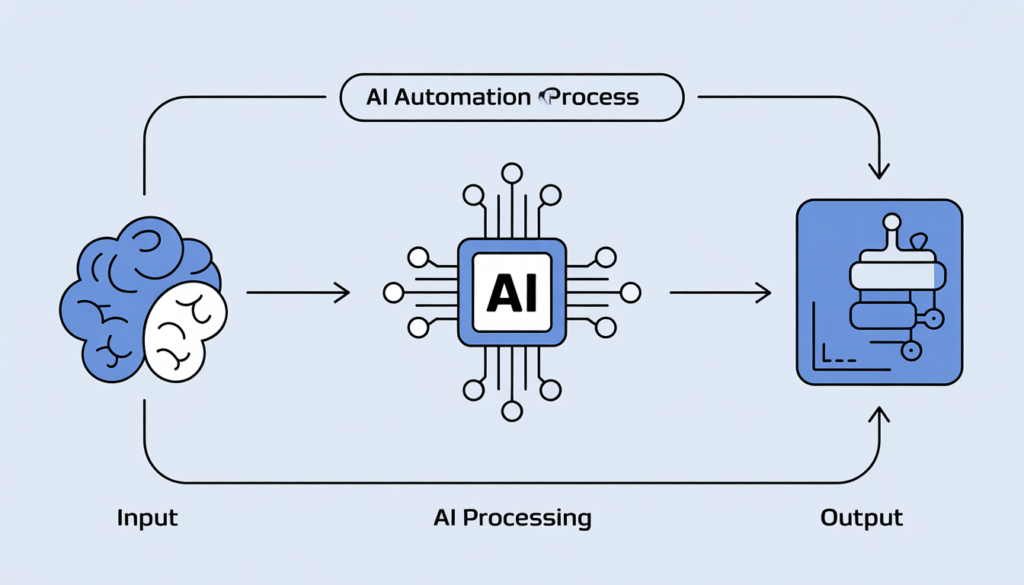
🧠 How AI Automation Works (Simple Explanation)
Here’s the simplest way to understand it:
Step-by-Step Flow
- Trigger → Something happens
- AI Processing → AI analyzes data
- Action → Task is completed automatically
Example:
New email → AI summarizes → Task added to your to-do list
That’s how you build a self-running system.
🛠️ Step-by-Step Guide to Automate Tasks Using AI
This is where most people get stuck—so pay attention.
H3: Step 1: Identify Repetitive Tasks
Write down tasks you do daily:
- Emails
- Content writing
- Data updates
👉 If it repeats, automate it.
Step 2: Choose the Right AI Tools
Start simple. Don’t overcomplicate.
Recommended Stack:
- ChatGPT → Writing + thinking
- Zapier → Automation
- Notion AI → Task management

Step 3: Create a Simple Workflow
Example:
Trigger: New Instagram post
Action:
- Generate caption
- Schedule post
Step 4: Test and Improve
Your first automation won’t be perfect.
- Fix errors
- Improve prompts
- Optimize workflow
Step 5: Scale Slowly
Once one workflow works:
- Add more tasks
- Connect more tools
- Build full systems
💡 Real-Life AI Automation Examples
H3: 1. Content Creators
- AI writes scripts
- Generates thumbnails
- Creates captions
2. Businesses
- Invoice automation
- CRM updates
- Customer support bots
3. Freelancers
- Proposal generation
- Client communication
- Time tracking

4. Students
- Notes summarization
- Assignment help
- Study planning
🧰 Best AI Tools for Task Automation (2026)
1. ChatGPT
Best for:
- Writing
- Brainstorming
- Automation logic
2. Zapier
Best for:
- Connecting apps
- Creating workflows
3. Make (Integromat)
Best for:
- Advanced automation
- Visual workflows
4. Notion AI
Best for:
- Productivity
- Knowledge management
5. Otter.ai
Best for:
- Meeting transcription
- Notes automation
⚠️ Common Mistakes to Avoid
Let’s correct this early:
❌ Automating everything at once
❌ Using too many tools
❌ Ignoring human review
❌ Expecting perfect results instantly
✔️ Smart Approach:
Start small → Optimize → Scale
📈 Pro Tips to Get Maximum Results
- Use clear prompts (this changes everything)
- Combine tools for better workflows
- Track time saved weekly
- Keep improving your systems
🔮 Future of AI Automation
The next phase is already here:
- AI agents doing full workflows
- Voice-controlled automation
- Fully automated businesses
But here’s the truth most people ignore:
👉 People who learn AI early will dominate.
🧾 Conclusion
Mastering how to use AI to automate tasks is one of the highest ROI skills you can learn today.
You don’t need coding.
You don’t need a big budget.
You just need:
- The right tools
- The right workflow
- The willingness to start
Start small. Stay consistent. Build systems.
That’s how you win in the AI era.
❓ FAQs (SEO Boost Section)
1. What is AI automation in simple terms?
AI automation means using artificial intelligence to complete tasks automatically without human effort.
2. Which tasks are best for AI automation?
Repetitive and time-consuming tasks like emails, scheduling, and data entry.
3. Do I need coding skills for AI automation?
No. Most tools are beginner-friendly and require no coding.
4. What are the best AI tools for beginners?
ChatGPT, Zapier, and Notion AI are great starting points.
5. How much time can AI save daily?
AI can save 2–4 hours per day, depending on your workflow.
6. Is AI automation safe?
Yes, but always review outputs and avoid sharing sensitive data.